Quick answer
- Choose a trusted Santa tracker before Christmas Eve and test it earlier in the day.
- Start tracking after dinner, then check Santa’s route every 20 to 30 minutes.
- Use your local time zone and remember that Santa visits homes after children fall asleep.
- Protect the story by avoiding exact street-level promises or details that could confuse young children.
- Add a note, snack, or personalized video from Santa to make the tracking ritual feel personal.
How to Track Santa on Christmas Eve: The Quick Answer
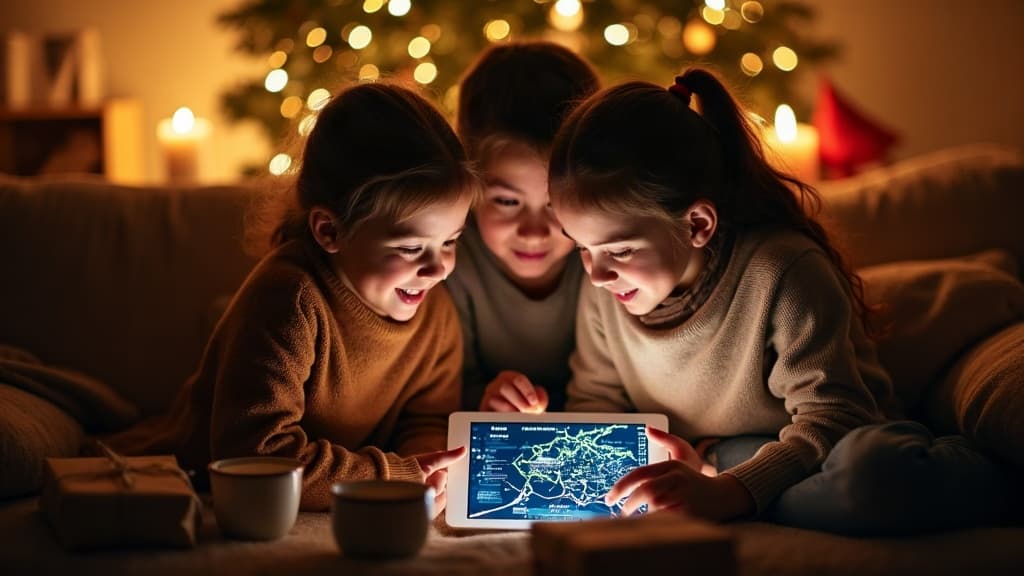
To track Santa on Christmas Eve, open a trusted Santa tracker on a phone, tablet, computer, or smart television, then follow the reported route as he travels around the world. Begin after dinner, check the map at regular intervals, and use your local time zone to decide when children should go to bed. Most families use the tracker as a playful holiday tradition, not as a precise delivery schedule.
The strongest plan combines the map with a calm family routine. Let children check Santa's location, listen for updates, and prepare cookies or another customary snack. In many homes, the tracker sits alongside pajamas, a Christmas story, and a final goodnight.
What you need before you begin
- A charged device with a reliable internet connection.
- A Santa tracker from a source your family trusts.
- Your children’s bedtime and local time zone.
- A short Christmas Eve plan, such as cocoa, cookies, a story, and a final tracker check.
- Optional headphones or a speaker if the tracker includes sound.
Step-by-Step: How to Track Santa on Christmas Eve
Preparation keeps the evening festive rather than chaotic. Test the tracker while the children are at school or occupied, especially if you plan to display it on a television. Check the volume, confirm that the page does not request unnecessary personal information, and make sure the device has enough battery for the evening. Children usually enjoy the anticipation more when adults have already handled the practical details.
- Choose your tracking source. Select one tracker and use it consistently. Switching between maps can create conflicting arrival times and awkward explanations.
- Confirm the date and time zone. Santa trackers often show a worldwide route. Set the device to your local time, and explain that Santa follows nighttime across different regions.
- Pick a starting time. After dinner is usually a good choice. Younger children may enjoy one early check, while older children may follow the route for longer.
- Create a check-in routine. Look at the tracker every 20 to 30 minutes instead of refreshing constantly. Use each check as a cue for a story, snack, game, or quiet activity.
- Explain the route simply. Say that Santa visits many places and gets closer as the night continues. Avoid promising an exact minute unless the tracker clearly provides one.
- Set the bedtime signal. When Santa reaches your broad region, announce that it is time for children to settle down. The tracker can remain open for adults after bedtime.
- Finish with a family tradition. Leave cookies, carrots, milk, or another customary treat, then place the device out of sight before everyone goes to sleep.
A personalized letter from Santa can fit naturally into the same routine. Read it after the final tracking check, so the message feels like part of Santa’s visit rather than another screen activity.
Make it magical with a video from Santa
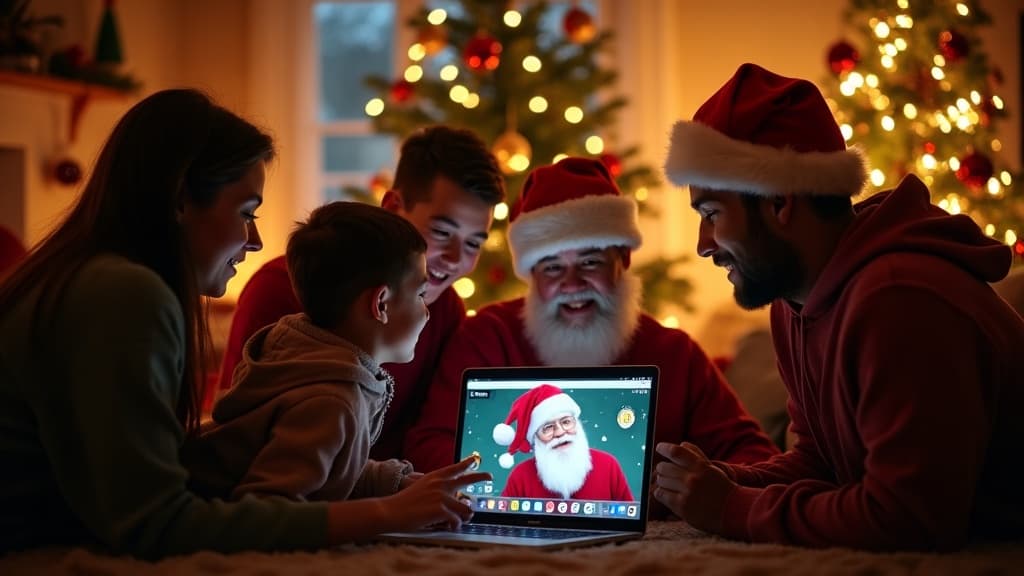
Santa says your child's name, city and proudest achievement — in a real personalized video. Watch a free preview in 60 seconds.
Which trackers actually exist
There are two big ones and a lot of small ones. NORAD Tracks Santa is the original — the North American Aerospace Defense Command has run it every December 24 since 1955, and it's the one most American families mean when they say "the Santa tracker". Google's Santa Tracker is the other well-known map, with games in the days before. Both are free and both go live on Christmas Eve.
Ours is the third kind: a Santa tracker that runs all season, not just on the 24th. It shows where the sleigh is on the map, a running count of gifts delivered, and — the part kids actually ask about — an estimate of when Santa reaches your own roof, based on your time zone. Before the 24th it's mostly the North Pole live camera: a real, continuous stream of the workshop where the mail room is on now and more cameras come online as Christmas gets closer. That's the honest description — it's a broadcast, not a satellite feed, and a five-year-old does not care.
Whichever you pick, pick one. Two trackers on the same evening give two different arrival times, and the child will notice.
Choosing the Best Santa Tracker for Your Family
Not every tracker suits every household. Some families want a simple map, while others prefer sound effects, countdowns, games, or short educational facts about countries along Santa’s route. Choose the format that matches your children’s ages and your evening schedule. A tracker should support the celebration, not take over the entire night.
Compare the main options
- Interactive map: Pros include a clear visual route and easy group viewing. Cons include busy screens that may distract younger children or invite endless refreshing.
- Countdown page: Pros include a simple way to build anticipation and explain when the journey begins. Cons include less detail about Santa’s location.
- Audio updates: Pros include a screen-free experience and a cozy bedtime mood. Cons include volume issues and less appeal for children who want to see the route.
- Family television display: Pros include shared viewing from the couch. Cons include more preparation, possible advertisements, and the risk of waking sleeping children later.
- Personalized Santa message: Pros include a memorable, direct greeting using a child’s name or interests. Cons include preparation time and the need to keep the message age-appropriate.
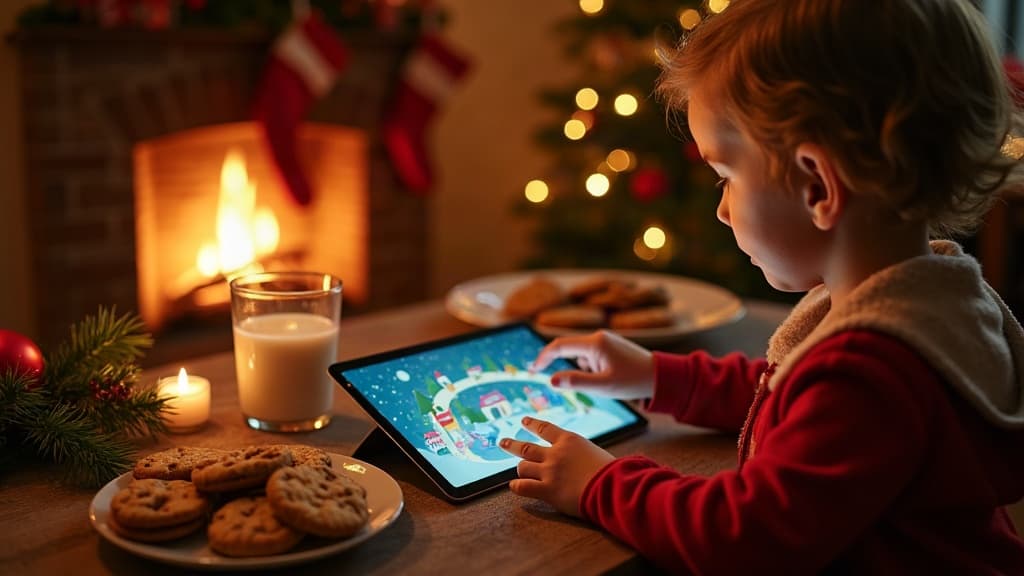
Make Christmas Eve Tracking Feel Special
The tracker is only one part of the story. Children remember the atmosphere around it: warm lighting, familiar food, pajamas, music, and the feeling that everyone is waiting together.
A simple 60-minute routine
- Minute 0: Serve cocoa, warm apple cider, or a small Christmas Eve snack.
- Minute 10: Open the tracker and find Santa’s current region.
- Minute 20: Read a Christmas story or talk about a place shown on the route.
- Minute 35: Prepare cookies and a drink for Santa. Children can also leave carrots or hay for reindeer.
- Minute 45: Check the tracker again and take one family photo.
- Minute 55: Read a note or personalized message from Santa.
- Minute 60: Turn off the screen, brush teeth, and begin the bedtime routine.
Copy and paste this parent script when children ask when Santa will arrive: “Santa is traveling across many time zones tonight. He will visit our home after you are asleep, so let’s check his route one more time, leave his snack, and get cozy in bed.” The wording gives children a clear next step without making an exact promise.
Common Mistakes When Tracking Santa
Most Christmas Eve tracking problems are easy to prevent. The biggest issue is treating a playful route as a guaranteed appointment. Trackers may update at different intervals, and their maps may use broad regions instead of individual streets. Children can become anxious if adults announce that Santa will arrive at 8:17 p.m. and the screen later shows a different location.
- Starting too early: A tracker may show little movement for hours, which can make the evening feel long. Begin after dinner or use a short preview earlier in the day.
- Refreshing constantly: Repeatedly checking the screen can turn anticipation into impatience. Set a 20- or 30-minute rhythm.
- Using several trackers at once: Different services may use different route designs and arrival estimates. Choose one source.
- Ignoring time zones: Explain that it may be nighttime in one country while it is still afternoon at home.
- Showing private information: Do not enter a child’s full name, home address, school, or other unnecessary details into a public page.
- Leaving the device visible after bedtime: A glowing screen can interrupt sleep and may reveal adult preparations.
- Overexplaining the logistics: Young children do not need a detailed lesson about maps, satellites, or delivery routes. Keep explanations warm and simple.
- Forgetting accessibility: Increase text size, use captions when available, and choose audio or a shared display if a child has difficulty viewing a small screen.
If the tracker stops loading, stay calm. Say that Santa’s route is busy and switch to a story, a Christmas song, or a prepared note. The family ritual matters more than a perfect map. Have an offline backup ready so a weak connection does not become the focus of the night.
A Safe, Screen-Balanced Santa Tracking Plan
Tracking Santa can be exciting without becoming an all-night screen session. Decide in advance how many checks your family will make. Two or three visits to the map are enough for many children. Put the device on a table where everyone can see it, rather than handing it from person to person. This keeps the activity social and makes it easier to end when bedtime arrives.
Suggested plan by age
- Ages 2 to 4: Show one short tracker update, use a simple explanation, and move quickly to a story or song.
- Ages 5 to 7: Make two or three checks and invite children to prepare Santa’s snack between updates.
- Ages 8 to 10: Add geography by identifying countries or oceans on the route, but keep the activity time-limited.
- Ages 11 and up: Let older children help younger siblings, compare time zones, or create a family countdown tradition.
Copy and paste this message for relatives: “We are checking Santa’s route after dinner at 7:00, 7:30, and 8:00 p.m. local time. After the last update, the children will leave cookies, read their story, and go to bed.” It sets expectations and prevents a stream of calls from interrupting the routine.
For an added keepsake, families can pair the tracker with a Santa countdown during the days leading up to December 24. Then the tracker becomes the event that concludes the countdown.
Free download
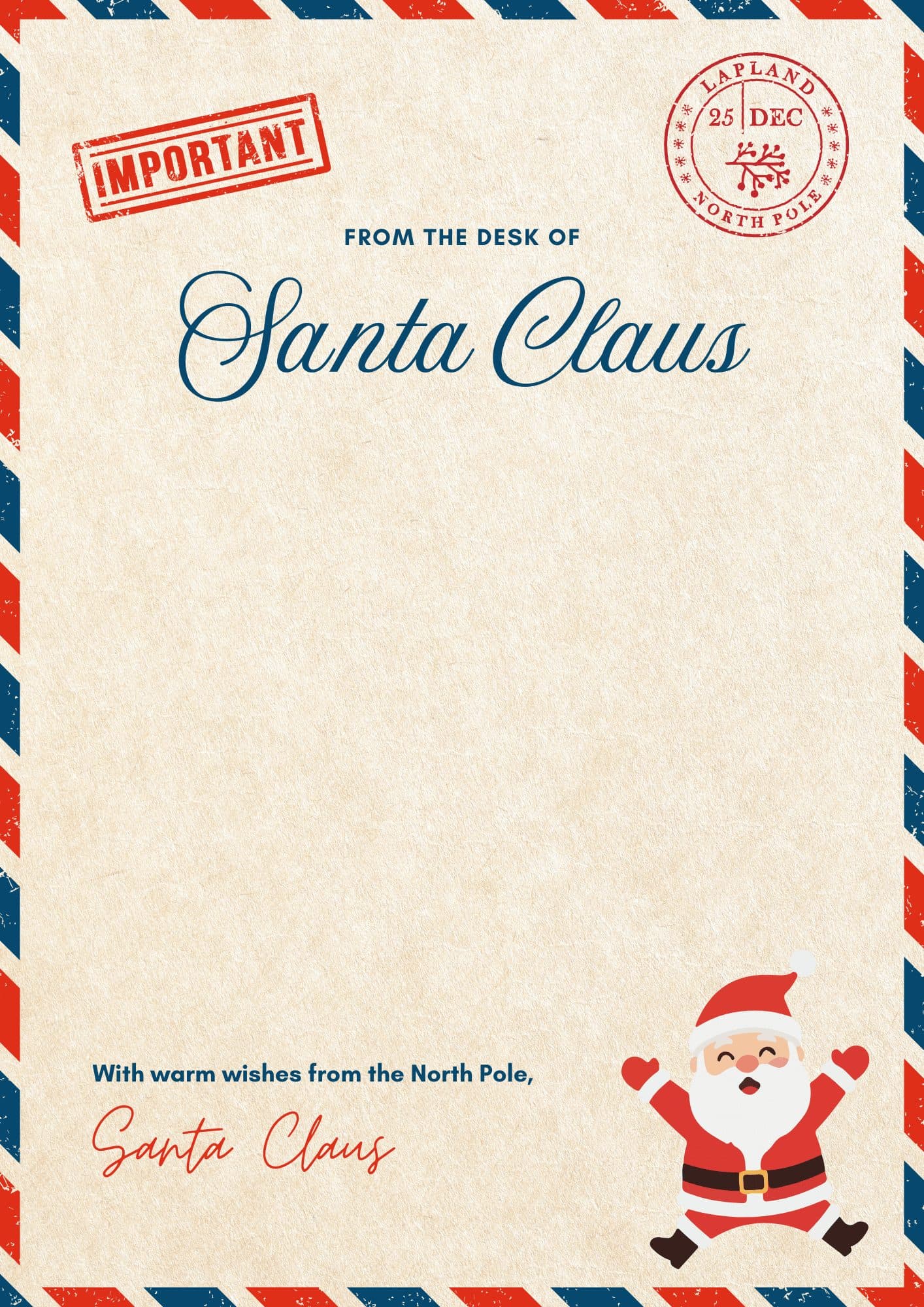
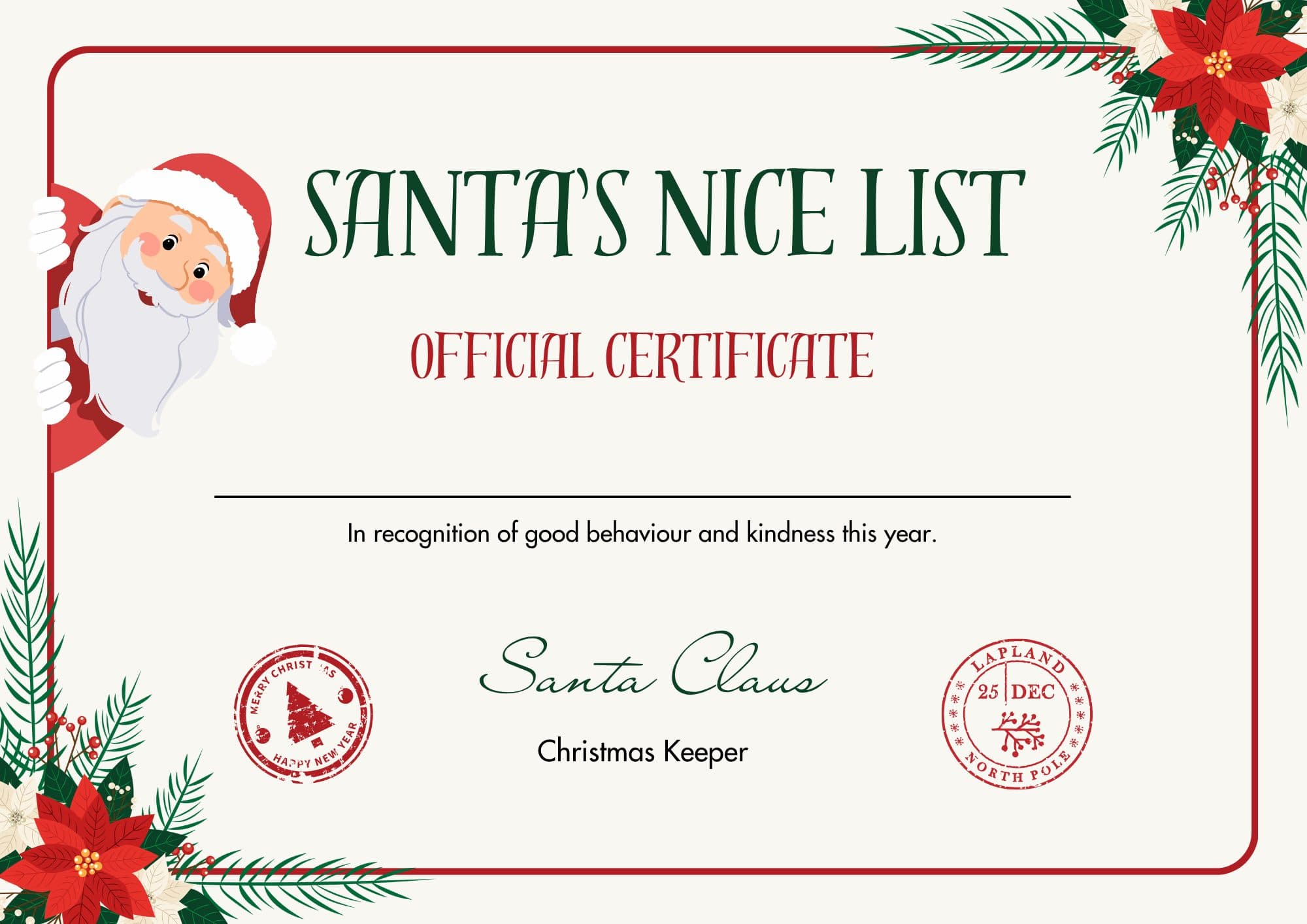
Printable Letter From Santa + Nice List Certificate
Two beautiful keepsakes from the North Pole — a personalized-style letter from Santa and an official Nice List certificate. Enter your email and Santa will unlock both PDFs for you, free.
A paper letter can't say your child's name out loud
Santa can. Watch a 30-second example — he greets your child by name, city and their proudest moment of the year.
Get a video from SantaWritten in Santa’s voice with AI help, then read and checked by a person before publishing.